What is React? JSX Introduction and Your First Component
What problem React actually solves, how JSX syntax works, and how to build your first component.
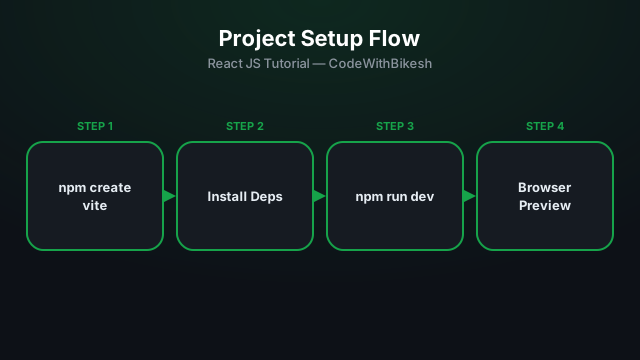
React apps used to be scaffolded with create-react-app, but that tool is slow and now outdated. The modern, industry-standard choice is Vite — it gives you an instant dev server start and lightning-fast hot reload.
Run these commands in your terminal (Node.js must already be installed):
npm create vite@latest my-react-app -- --template react
cd my-react-app
npm install
npm run dev
After running npm run dev, your terminal will print a local URL (usually http://localhost:5173) — open it in your browser to see the app running.
index.html — the entry HTML file, containing a <div id="root"></div> where the entire React app gets mounted.src/main.jsx — renders the App component into that root div.src/App.jsx — your main component, the starting point for building the app.src/assets — images, icons, and other static assets.package.json — lists dependencies and scripts (dev, build, preview).// src/main.jsx
import { StrictMode } from 'react';
import { createRoot } from 'react-dom/client';
import App from './App.jsx';
createRoot(document.getElementById('root')).render(
<StrictMode>
<App />
</StrictMode>
);When it's time to deploy, run npm run build — it generates optimized, minified files in a dist/ folder that can be uploaded to any static host (Netlify, Vercel, cPanel).
npm run dev starts the local server; npm run build produces the production bundle.src/ folder, with main.jsx as the entry point.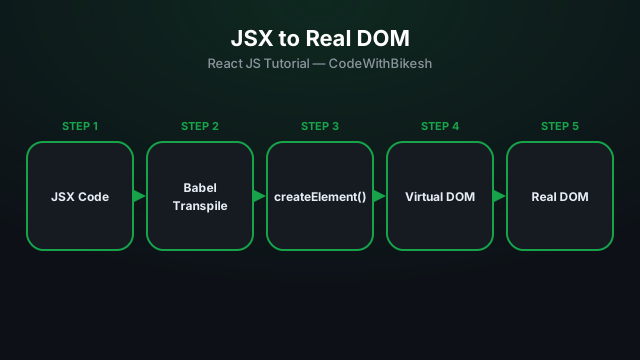
What problem React actually solves, how JSX syntax works, and how to build your first component.
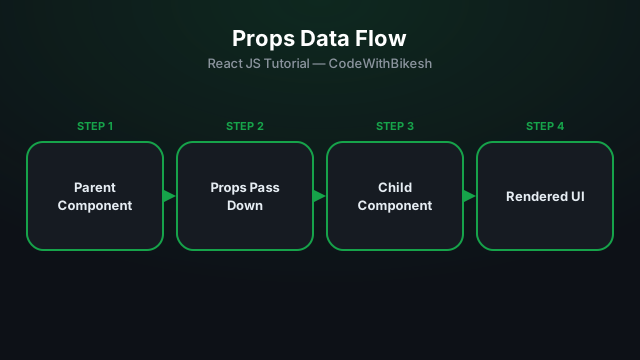
Build functional components and pass data from parent to child components using props.
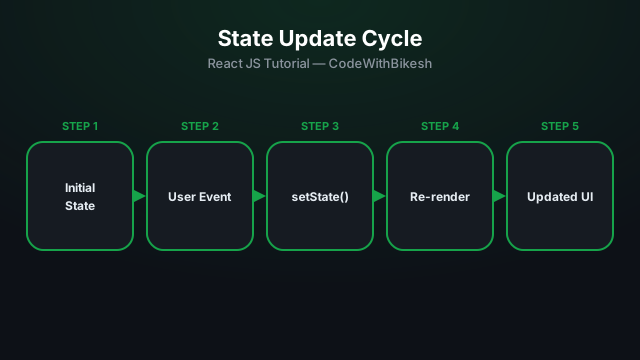
Learn to manage local state inside a component with the useState hook, using a counter example.